Mission control // Product operations
Clear the queue.
Ship the mission.
One focused command center for triage, delivery cycles, and every handoff between idea and shipped.
Tenant-isolated data, revocable sessions, and two-factor protection
A decision surface, not a backlog graveyard.
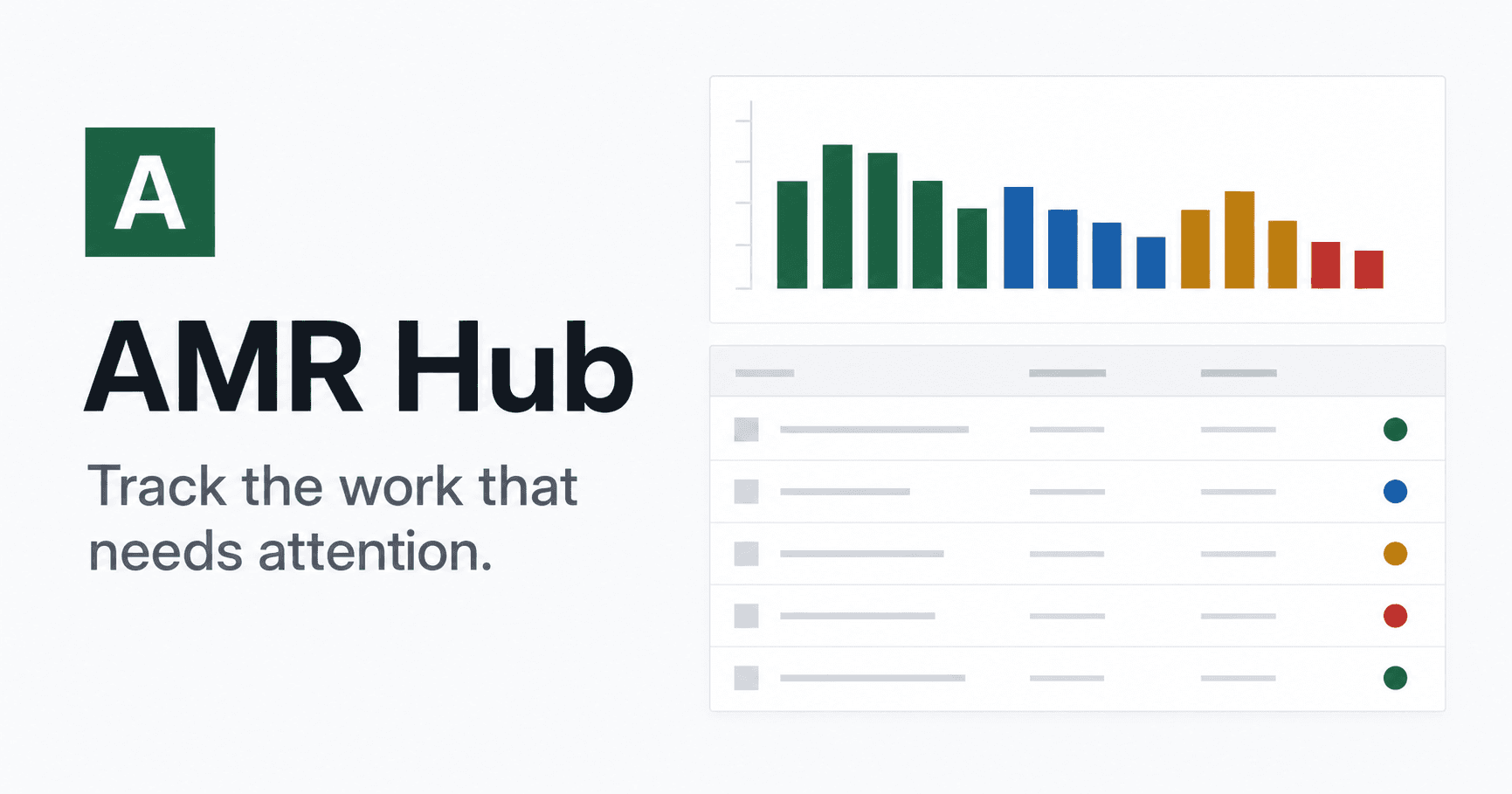
Scan urgency, ownership, workflow state, labels, and due dates without opening every issue. Save the exact view that support, product, or engineering needs next.
- Filter and search without losing delivery context
- Update status directly from the issue queue
- Reuse personal views for recurring triage
Capacity is visible before scope becomes a promise.
Cycles connect issue estimates to a delivery window, expose unplanned work, and keep rollover risk visible while there is still time to act.
The workspace boundary is part of the product.
Every organization gets isolated issues, cycles, labels, and views. Owners control invitations and member access, while each person can inspect and revoke signed-in devices.
Give important work a clear next move.
Create the organization, invite the team, and start with an empty workspace that belongs only to you.